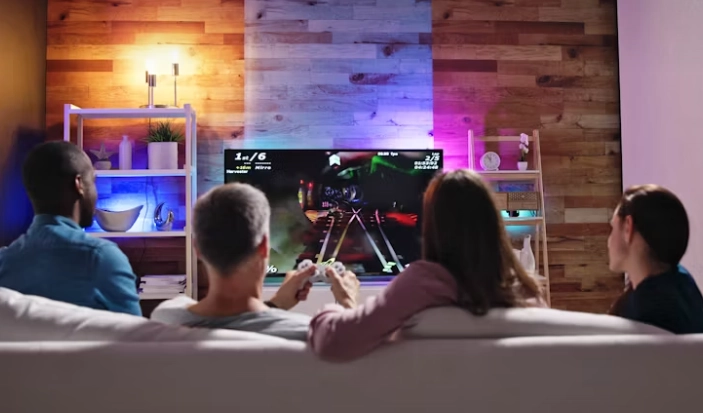
A TV backlight looks simple, but many small mistakes can make the result messy. The strip may show from the side, the adhesive may loosen, the color may feel too harsh, or the cable may hang below the screen. If you want to add LED lights behind your TV and keep the setup clean, measure first, choose the right COB strip, and plan the power route before sticking anything.
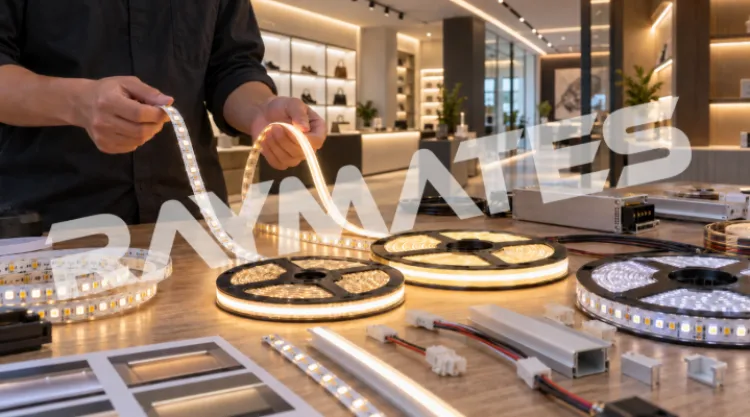
Raymates manufactures flexible LED lighting products for custom project use. When it comes to TV backlighting, a COB LED strip is more convenient to work with than a standard fixture, as it can be bent to fit along the edges of the TV’s cabinet, be concealed behind the screen and thus create a softer line of light. Raymates offers COB LED strips that can be used in various settings such as slim TV cabinets and even custom media walls.
Why Should You Add LED Lights Behind Your TV?
Using a TV in a dark room can produce lots of contrast between the very bright screen and the very dark room. The backlight on a TV is not a substitute for general room lighting. It does however help to illuminate the surrounding area. This is why so many home cinema enthusiasts are looking for good quality LED strip for home theater lighting rather than some form of ceiling mounted lighting solution.
Softer Viewing Comfort
A gentle light in the back of the screen can make night time viewing even more comfortable. The light should not be directly in front of you, but rather shine onto the wall behind the TV to create a subtle background.
Cleaner Home Theater Atmosphere
A well-hidden strip makes the TV area look more complete. It works for living rooms, gaming corners, bedrooms, hotel rooms, display apartments, and media cabinets. Warm white gives a calm room feeling. Neutral white looks cleaner for modern cabinets. RGB or color control can work for gaming or entertainment spaces.
Easier Low-Voltage Upgrade
For small domestic or light commercial applications flexible LED strip is usually easier to fit than larger panels or rigid fitted lamps. The COB LED strip for TV backlighting produces a very smooth line of light without the typical ‘dotted’ effect seen with some lower quality strips.
What Should You Prepare Before Installation?
Before you buy the strip, look at the TV back panel and the wall behind it. Some TVs have flat rear panels. Some have vents, ports, stands, and uneven areas. The installation will be cleaner if you plan the route before peeling off the adhesive.
TV Size and Back Panel Space
Measure the rear edge of the TV, not only the screen size. If you want light on all four sides, measure top, bottom, left, and right. If the TV is close to a wall, four-side lighting usually gives a balanced glow. If the TV sits in a cabinet, two-side or three-side lighting may be enough.
This is where how to measure LED strip lights for TV becomes practical. Do not buy based only on the TV inch size. Measure the actual strip path and leave space for the connector, controller, and cable exit.
Power Supply and Control Method
Check voltage, total strip length, controller type, and power supply capacity. A TV backlight power supply and controller should match the strip, not just the wall outlet. If the power supply is too weak, the light may dim, flicker, or fail after long use. For B2B buyers or installers, this is also a purchasing point. A clean lighting plan should include strip type, voltage, cable route, control method, and replacement access.
Recommended Raymates Product Choice
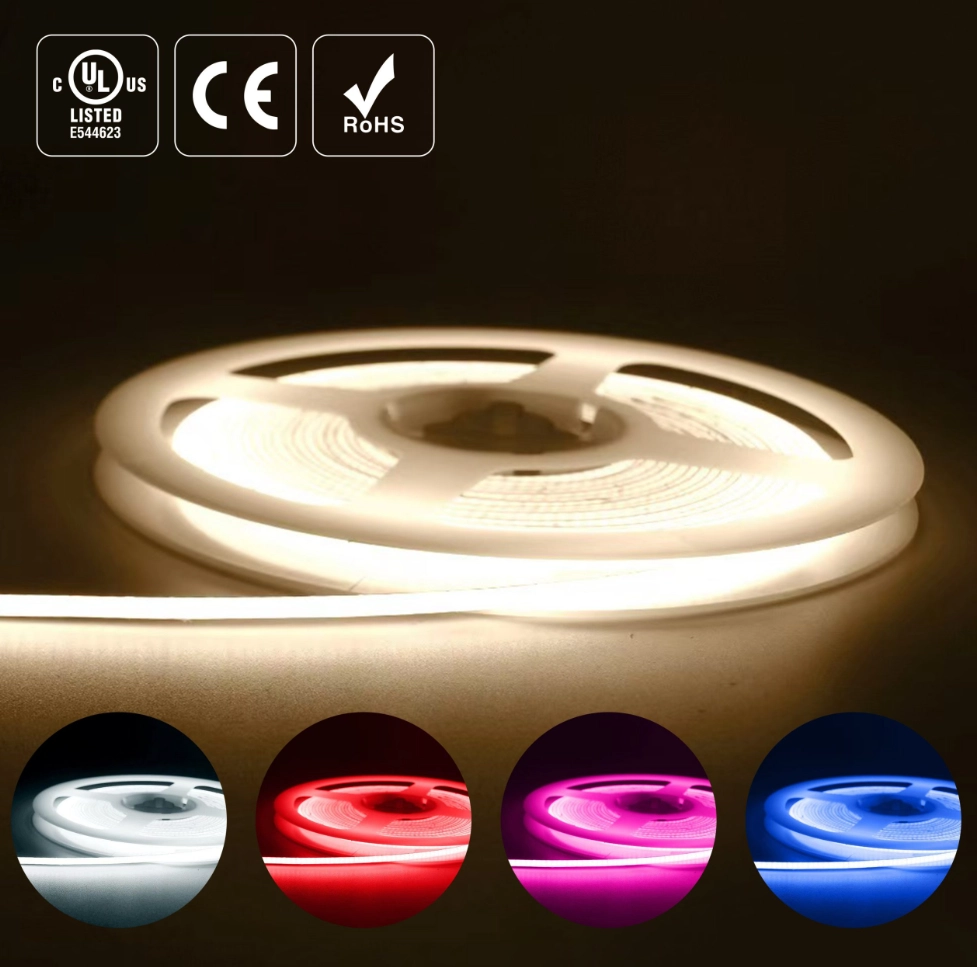
For most TV backlighting projects, Hot Selling COB Strip is the easiest Raymates option to recommend. It is designed for continuous uniform light, has good flexibility, and suits clean backlight lines behind common TVs and media walls.
How Do You Add LED Lights Behind Your TV in 5 Simple Steps?
The process below is written for practical installation. It works for home users, interior fit-out teams, and lighting buyers preparing samples for a project.
Step 1 Measure the TV Back Area
Place the TV safely on a soft surface if it is not wall-mounted. Measure the strip route. Avoid vents, screw holes, speakers, and ports. Keep the strip a little inside the TV edge so the LEDs stay hidden from the front.
If you add LED lights too close to the outer edge, the strip may be visible from the side. If you place it too far inward, the wall glow may become weak. A short trial position with masking tape helps before final sticking.
Step 2 Plan the Strip Route
Decide whether you want three sides or four sides. Four sides look more even, but the bottom side may be blocked by a stand or soundbar. For a TV mounted inside a cabinet, left and right sides can sometimes give enough glow.
For narrow grooves or slim cabinet gaps, Mini Size COB Strip is useful. It is made for narrow spaces where a standard-width strip may look bulky or be hard to hide.
Step 3 Clean the Surface Before Sticking
Dust, oil, and heat marks can weaken adhesion. Wipe the back panel or mounting surface and let it dry. Do not stick the strip over textured dust, raised labels, or hot vent areas. If the surface is uneven, use clips, aluminum profile, or another fixing method suitable for the project.
Step 4 Stick Cut and Connect the LED Strip
Peel the backing slowly and press the strip in small sections. Do not pull the strip hard. Avoid sharp folding at corners. If you need exact length matching, cut only at marked points and use proper connectors or soldering based on the strip design.
For custom media walls, short sections, and detailed cabinet routes, Mini Cut COB Strip is worth checking. It fits projects where installers need more control over small sections and turning points.
Step 5 Test Brightness Color and Final Look
Test the light before fixing all cables. Look from the front of the TV, not only from the back. Check whether the wall glow is even, whether the controller responds well, and whether cables can be hidden safely. A dotless LED strip behind TV should create a soft line, not visible hot spots.
Which Raymates COB Strip Fits Your Project?
Different TV setups need different strip choices. A simple bedroom TV does not need the same product as a hotel media wall or a custom cabinet project.
| Project Need | Suitable Raymates Product | Why It Fits |
|---|---|---|
| Normal TV backlighting | Hot Selling COB Strip | Smooth light, flexible route, clean backlight effect |
| Narrow cabinet or tight rear space | Mini Size COB Strip | Slim body for hidden installation |
| Custom layout with short sections | Mini Cut COB Strip | Better control for detailed cutting and layout work |
If you only want to add LED lights behind one home TV, start with Hot Selling COB Strip because it gives a clean, soft backlight and is easier to route around normal TV edges. If the TV sits inside a narrow cabinet or the strip must hide inside a small groove, Mini Size COB Strip is safer. For custom media walls, short segmented runs, or projects that need cleaner length control, Mini Cut COB Strip is more practical.
Do not choose only by color effect. Check rear space, strip width, cutting position, power supply, controller access, and how the installer will replace or repair the strip later.
What Mistakes Should You Avoid?
Many problems happen before the strip is even switched on. The buyer chooses the wrong width. The installer forgets the power position. The strip is bent too sharply. The adhesive is placed on a dusty surface. These are small details, but they decide whether the final result looks clean.
Wrong Length or Poor Corner Planning
A strip that is too short leaves dark areas. A strip that is too long may need awkward bending or extra cutting. Plan the corners first, especially if the TV is inside a cabinet.
Weak Adhesion on Dusty Surfaces
Adhesive LED strip not sticking behind TV is a common problem. The cause is often not the adhesive itself. Dust, heat, uneven plastic, and repeated repositioning can all reduce bonding strength.
Mismatched Power and Strip Load
Do not connect a strip to a random adapter only because the plug fits. Match the voltage and leave enough power margin. For project buyers, ask for wiring advice before placing bulk orders, especially if one controller runs several strip sections.
When Should You Ask for Service and Custom Support?
If your team needs to add LED lights behind TVs for apartments, hotels, showroom walls, or cabinet projects, product selection should be checked before production. Share TV size, wall distance, cabinet drawing, required color, control method, and expected installation position. Raymates can help match COB strip products, accessories, packaging, and OEM/ODM details based on real project needs. For drawings, samples, or product matching, use the Raymates contact page and send the project details clearly.
FAQ
Q: Can I add LED lights behind any TV?
A: You can add LED lights behind most TVs, but the back panel shape matters. Check vents, ports, heat areas, wall distance, and the surface where the strip will stick. If the TV has little flat space, mount the strip on the wall or cabinet instead.
Q: Is COB LED strip better for TV backlighting?
A: COB LED strip is a good fit when you want a smoother glow and fewer visible dots. It is useful for clean TV walls, cabinets, bedrooms, gaming rooms, and display areas where the light line may reflect on a nearby wall.
Q: What do I need to add LED lights behind a TV?
A: You need a suitable LED strip, measuring tape, clean cloth, power supply, controller, connectors if needed, and a clear cable route. For custom projects, prepare the TV size, installation drawing, voltage requirement, and control method before ordering.