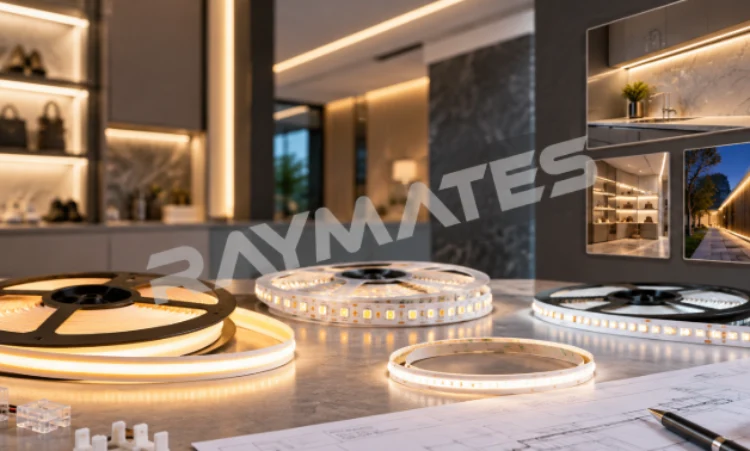
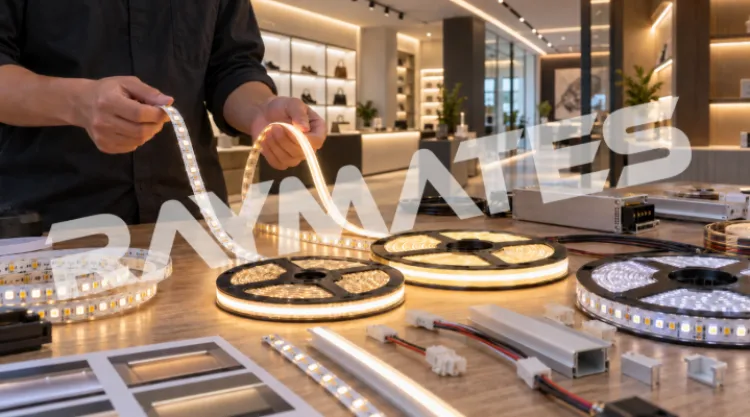
An LED Driver Problem often shows up as flickering, dim light at the end of a strip, no light after installation, overheating, or unstable dimming. In many indoor lighting projects, the driver is not the only part to check. The LED strip, connector, controller, wire length, voltage, and installation surface can all affect the final result.
Raymates supplies LED strip, COB strip, LED Sheet, and other accessories for commercial and decorative lighting. For cabinets, shelves, office lines, hotel spaces, and display areas, driver matching is closely tied to product choice. A smooth COB strip can still perform badly if the driver is too small, the wire run is too long, or the connector plan is weak.
This guide focuses on common LED driver problems and practical checks before buyers blame the strip or place a repeat order.
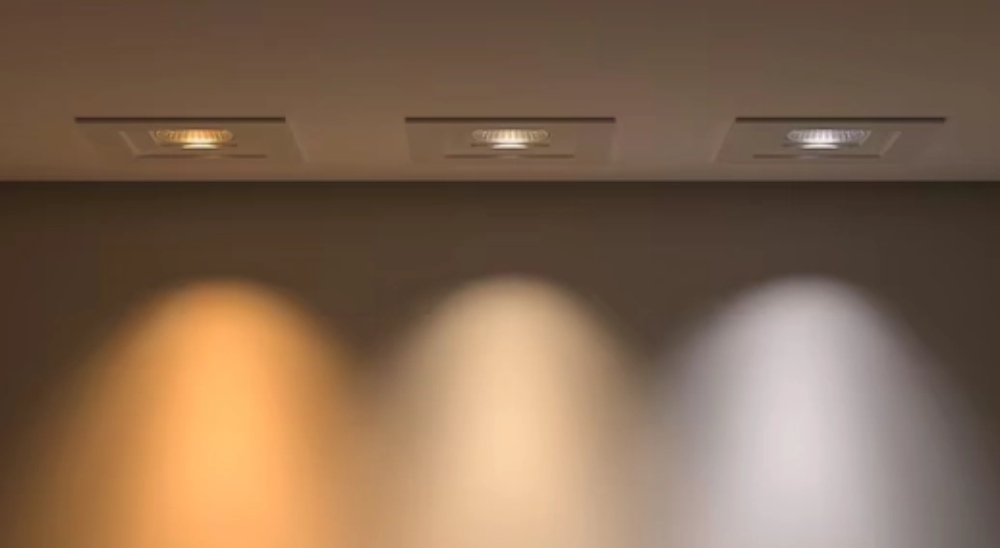
What Are the Most Common LED Driver Problems in Indoor Lighting?
Most site problems start with a visible symptom. A buyer may see flickering and think the strip is bad. An installer may see the end of a long strip getting dim and think the driver failed. The better way is to check the symptom first, then narrow down the cause.
Flickering and Unstable Brightness
An LED lights flickering driver issue can come from an overloaded driver, unstable input power, poor connector contact, or a dimmer that does not match the driver. In indoor decorative projects, flickering may also appear after several strip sections are connected without checking total power.
For display cabinets or shelves, flicker is not just annoying. It can make products look low quality and may lead the customer to reject the whole lighting effect. Before replacing the strip, check driver capacity, wiring contact, controller setting, and whether the same issue appears on a shorter strip section.
Lights Not Turning On After Installation
If the strip does not turn on, check the simple items first. Wrong polarity, loose terminals, wrong output voltage, damaged connector, or a driver with insufficient capacity can all cause no-light issues.
This is why installers should test one short section before fixing the full run inside a cabinet, groove, or aluminum profile. A five-minute test can save a full rework.
Overheating and Short Driver Life
Driver heat is often ignored because it is hidden above a cabinet, inside a ceiling, or behind a display panel. If the driver stays in a closed space with poor airflow, its working life can be affected.
Heat can also come from overloading. A driver should not be selected only by matching the exact strip wattage. Leave a proper power margin and check the installation space before bulk installation.
How Can You Follow an LED Driver Troubleshooting Guide Step by Step?
A useful LED driver troubleshooting guide should not start with replacing parts. It should start with basic checks. In B2B projects, random replacement wastes time and may hide the real cause.
Start with Voltage and Power Checks
Check whether the driver output matches the LED strip voltage. Then calculate total strip length and power. A driver that works with one sample strip may not work well after the full project length is connected.
Voltage mismatch is one of the easiest mistakes to avoid. If the strip needs a specific voltage, do not guess based on appearance. Confirm the product label and driver output before installation.
Inspect Connectors, Controllers, and Wiring
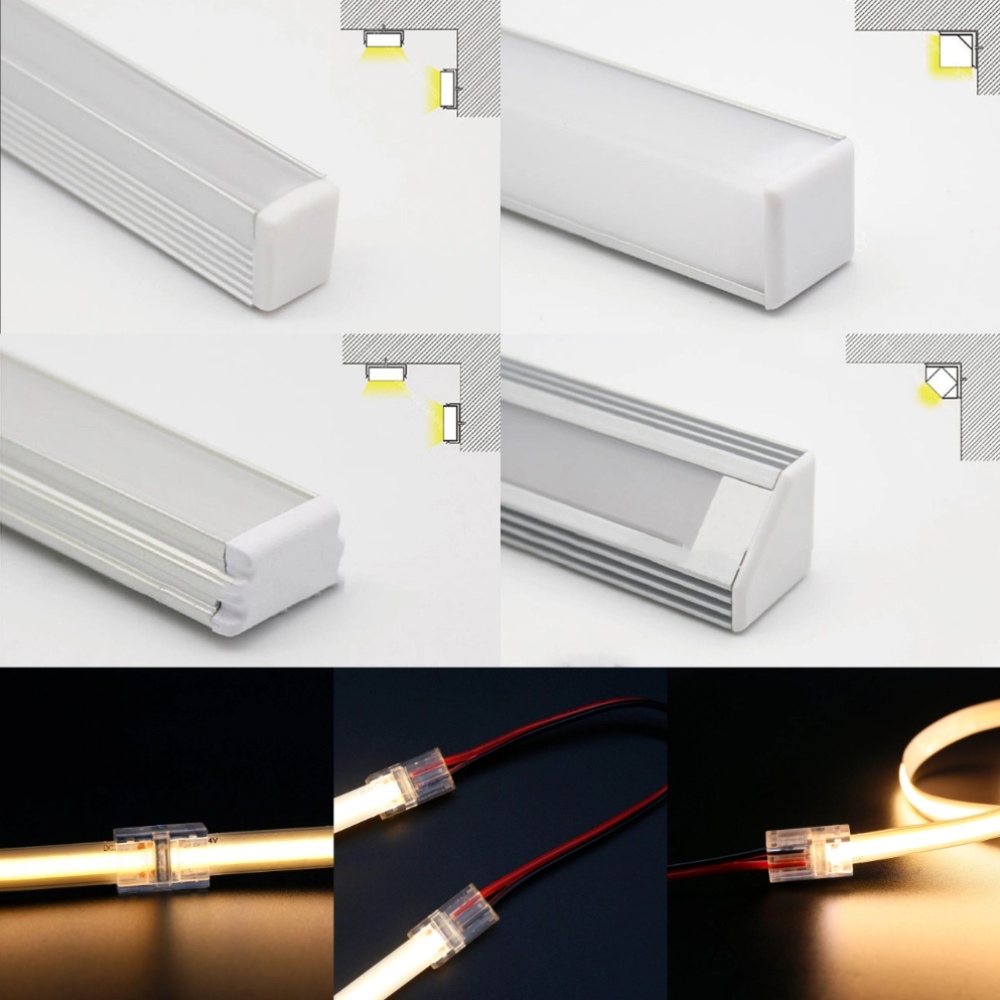
Many problems blamed on the driver actually come from connection points. Loose solderless connectors, weak extension cables, wrong controller settings, or poor wire contact can cause flickering, no light, or uneven brightness.
For color control or dimming projects, the controller and driver also need to match. If the project uses many sections, check the wiring plan before hiding everything behind panels.
Test the Strip by Short Sections
Testing short sections helps separate the problem. If a short section works well but the full run fails, the issue may be voltage drop, wire distance, or driver capacity. If the short section also fails, check the strip, connector, polarity, and driver output.
This step is especially useful before installing lights into fixed furniture, hotel corridors, or retail shelves.
How Does LED Driver Compatibility with LED Strip Lights Affect Performance?
LED driver compatibility with LED strip lights decides whether the system works steadily after installation. The strip may be good, but the wrong driver can still cause an LED Driver Problem.
Driver Matching for COB LED Strips
COB LED strips need the right voltage, power plan, controller method, and wiring length. For smooth display lighting, the driver should support stable output, while the installation should control heat and avoid loose connections.
For regular cabinets, shelves, ceiling grooves, and office lines, hot selling cob strip is worth checking. It is designed for continuous “No Spot” lighting, flexible fitting, and 3M adhesive installation. It suits indoor projects where the buyer wants a clean light line, but the driver still needs to match the project length and power demand.
Long Runs Need a Different Plan
Long strips often create a different type of LED Driver Problem. The first section looks fine, but the far end becomes dim or uneven. This is usually related to voltage drop, wire length, power feed method, or product selection.
For long shelves, corridors, cove lighting, or large commercial lines, super long cob strip is a better product direction to review. It is made for longer runs and aims to reduce dark spots and voltage drop concerns. Buyers should still confirm driver capacity, power feed method, and total layout before production.
Tight Layouts Need Careful Cutting and Connection
Small cabinets, corners, short shelves, and detailed display structures often need shorter cutting sections and careful wiring. A strip that cannot fit the layout may force extra connectors or messy joints, which can create later failures.
Mini cut cob strip fits projects that need more detailed layout planning. Its material description also makes it suitable to discuss with the supplier when abrasion, chemical stability, or UV resistance matters in the installation environment.
How to Choose the Right LED Driver Before Installation?
Many buyers ask how to choose the right LED driver only after a problem happens. It is better to check this before ordering the strip, especially for bulk indoor lighting projects.
Project Length and Power Margin
Start with the full length, not the sample length. Check voltage, wattage per meter, number of sections, wire distance, and where the driver will be placed. A long run may need a different wiring plan from a short display cabinet.
A safe driver choice should leave a reasonable margin instead of running at the limit. This helps reduce heat and keeps the system more stable.
Dimming and Control Requirements
If the project needs dimming, color control, or scene switching, check the driver and controller together. Many dimming problems come from mismatched parts, not from the strip itself.
For offices and display shelves, smooth dimming may matter more than strong brightness. For hotels and decorative lines, stable control across long sections may be the bigger concern.
Installation Surface and Heat Path
The driver is only one part of the system. The strip also needs the right surface, profile, or heat path. A narrow groove or closed cabinet can trap heat. Aluminum Profile and correct fixing methods can help create a cleaner and more stable installation.
How Can Buyers Prevent LED Driver Problems Before Bulk Orders?
Most problems are easier to prevent than repair. Before mass installation, test the same strip, driver, connector, controller, profile, and surface planned for the real project.
Sample Testing Before Mass Installation
Do not test only on a desk. Test the strip inside the actual cabinet, groove, shelf, or profile if possible. Glass, acrylic, metal edges, and narrow spaces can change brightness, reflection, heat, and wiring difficulty.
Common Buying Mistakes to Avoid
Avoid buying only by brightness. Avoid using a small driver to save cost. Do not ignore voltage drop in longer runs. Do not leave the connector and controller plan until installation day.
A simple project sheet can help: strip model, total length, voltage, power, control method, connector type, profile, driver location, and installation drawing.
Quick Selection Table
| Project Need | Likely Risk | Product Direction |
| Display cabinets | Flicker, glare, connector issues | hot selling cob strip |
| Long shelves or corridors | Voltage drop, dim tail end | super long cob strip |
| Small corners and short sections | Cutting and wiring difficulty | mini cut cob strip |
| Dimming projects | Driver and controller mismatch | Confirm full accessory plan |
| Closed cabinets | Heat around driver or strip | Check space and heat path |
Contact Raymates for Project Matching
For cabinets, shelves, corridors, hotel lines, display walls, or custom indoor lighting, prepare the project length, voltage, wattage, dimming method, installation surface, connector needs, and drawings before purchase. These details help avoid an LED Driver Problem after installation. For product matching, accessory checks, installation documents, or purchasing communication, you can contact Raymates with your project details.
FAQ
Q: What Is the Most Common LED Driver Problem?
A: The most common LED Driver Problem is usually flickering, no light after installation, unstable brightness, overheating, or dimming failure. The cause may be the driver, but it may also be wiring, connector contact, voltage mismatch, controller compatibility, or long-run voltage drop.
Q: How Do I Know if the LED Driver or LED Strip Is Faulty?
A: Test a short strip section with the same driver. Check voltage output, polarity, connectors, and wiring contact. If the short section works but the full run fails, the issue may be voltage drop, driver capacity, or wiring distance. If nothing works, check the driver and strip separately.
Q: How Do I Choose the Right LED Driver for COB LED Strips?
A: Match the driver with strip voltage, total wattage, control method, installation length, and working environment. For long runs, check voltage drop and power feed method. For tight layouts, check cutting points and connector planning before bulk order.